Client Touchpoint Strategies You Can Run in Fynancial

Every advisory firm already has a touchpoint strategy. Most just never wrote it down. Some advisors check in when something comes up, some send a monthly note to everyone, and the client experience ends up depending on which advisor a client happens to have.
Firms that make the strategy deliberate tend to get more out of it. Research from Kitces links clear, intentional touchpoint strategies with stronger revenue per client. More touchpoints can drive value, but efficiency matters. Standardized communication scales reach. Personalized touchpoints deepen the relationship.
Most firms land in one of three patterns. Each one can run entirely inside Fynancial. Pick one, build a hybrid, or evolve as your client experience matures.
Map your touchpoint model on paper first
The worksheet version of this playbook: all three models, the delivery map and the sample cadences, ready for your team to mark up.

The Three Touchpoint Models
Personalized Low Touch
About 10 touches a year. Lean communication focused on individualized care. Consistent, but not constant.
- Send individual Messages for milestones or targeted updates
- Schedule occasional Posts or Messages to all clients or a segment
- Add timely content to Featured Resources to support seasonal planning
Personalized High Touch
20+ touches a year. Frequent contact, individual messages and intentional segmentation. Clients feel seen year-round without needing more meetings.
- Create monthly check-in Messages and schedule them to priority tags such as A-tier clients, retirees or business owners
- Deliver tailored resources each season through Resource Templates in the client app
- Use Scheduled Posts for market updates, planning prompts or new service offerings
Standardized High Touch
20+ touches a year. Frequent standardized messaging and shared client experiences. Built for scale across a larger client base.
- Schedule monthly newsletter-style Posts to a large segment or the full book
- Schedule webinars, education sessions and appreciation Events for registered clients
- Use Featured Resources and recap Posts to reinforce key takeaways after events
Delivering Each Touchpoint in Fynancial
- Individual message: Message, or Schedule → Message → Single Contact. Clients see a direct message from their advisor in the app inbox.
- Segmented outreach: Schedule → Message or Post → Tag or Group. Clients see an update aimed at an audience they belong to.
- Firm-wide broadcast: Schedule → Post → All Contacts. Clients see a firm-branded update in their Feed with a push notification.
- Newsletter-style update: Schedule → Post on a recurring cadence. Content that feels routine and reliable.
- Event invite: Schedule → Event. Clients get an RSVP card, reminders and event details in the app.
- Resource drop: Resources or Featured Resources. New content is highlighted on the client's home screen.
- Recap after an event: a Post with an optional Resource attached. Keeps the value of the event visible.
Sample Cadences
Personalized Low Touch
- January: New year check-in. Individual Message
- April: Planning season reminder for tax documents. Scheduled Post
- August: College planning checklist added. Featured Resource
- December: Year-end recap and a goals question. Individual Message
Personalized High Touch
- Monthly: Check-in to A-tier clients. Scheduled Message by Tag
- Quarterly: "Here's what smart planning looks like this quarter" resource drop. Featured Resource
- Mid-year: Update for business owners on retirement plan contributions. Segmented Post by Tag
- Annually: "What's changing in your financial world?" reflection prompt. Individual Message
Standardized High Touch
- Monthly: Newsletter post with a three-part insight on markets, planning and mindset. Scheduled Post
- Quarterly: Educational webinar invite. Event
- Q3: Client appreciation event. Event
- After each event: Slides, recordings or key takeaways. Post + Featured Resource
Choosing a Model
Start from the experience you want clients to have:
- Depth and intimacy: start with Personalized Low Touch
- Feeling present all year: start with Personalized High Touch
- Scale and reach: start with Standardized High Touch
You're not locked in. Many firms blend models by client tier.
Bringing Your Touchpoint Strategy to Life
Step 1: Define your service model
Decide how clients should experience your firm. Choose the model that fits your capacity and your promise: Personalized Low Touch, Personalized High Touch, Standardized High Touch, or a tiered approach for different client segments. Be clear about what ongoing value looks like in your practice: how often you connect, in what formats and for what purpose.
Step 2: Build your client service calendar
Turn the model into a client service calendar:
- When each touchpoint happens: monthly, quarterly, seasonal or annual
- The format: Message, Post, Event or Resource
- The audience: all clients, specific tags or individuals
That calendar becomes the blueprint for consistent, intentional communication.
Step 3: Run the calendar in Fynancial
- Schedule recurring updates in Schedule → Posts
- Send targeted check-ins through Schedule → Messages
- Add webinars, education sessions or appreciation events in Schedule → Events
- Pre-load supporting content in Resources or Featured Resources
Once your first quarter is scheduled, your service model is live. Clients start experiencing your strategy in a consistent, predictable way.
Next step: set a consistent outreach cadence your team can keep →
Pick your model and schedule your first quarter
Copy the playbook, choose personalized, standardized or a blend by client tier, and turn it into a calendar your team can run in Fynancial.

The Fynancial Insights team writes on enterprise value, client experience architecture, and the platform decisions that shape valuation for independent advisory firms.
Related Insights




What firms say after launching with Fynancial
I am not exaggerating when I say our app has helped us win over $10M in new AUM between two separate prospects. The vision Fynancial has is incredible!

This highly personalized communication solution enables us to connect with clients like never before. Delivering real advice from real advisors with authentic, timely, human-centered guidance.

The Prime Capital app is our all-in-one hub. Seamless advisor to client communication, fully integrated with our core tech stack. The Salesforce integration ties it all together perfectly.

We are currently managing the majority of our client relationships daily through our app. It has been a game-changer, and I cannot say enough positive things about Fynancial and their entire team.

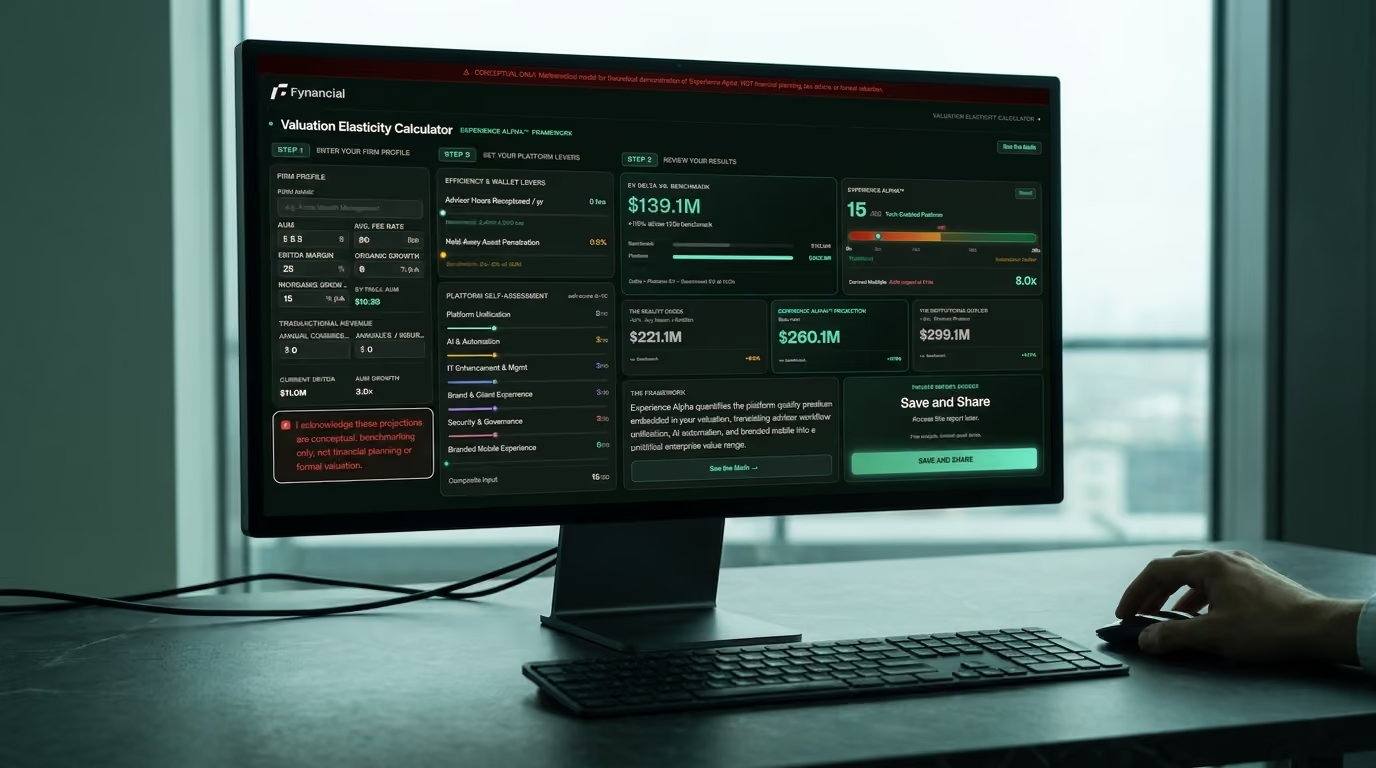
See your Platform Premium in 2 minutes
Model AUM → multiple uplift. Live. Under 2 min.
Enter AUM, headcount, and growth. The calculator maps how a branded client layer can move your valuation multiple, recalculating as you adjust inputs.